






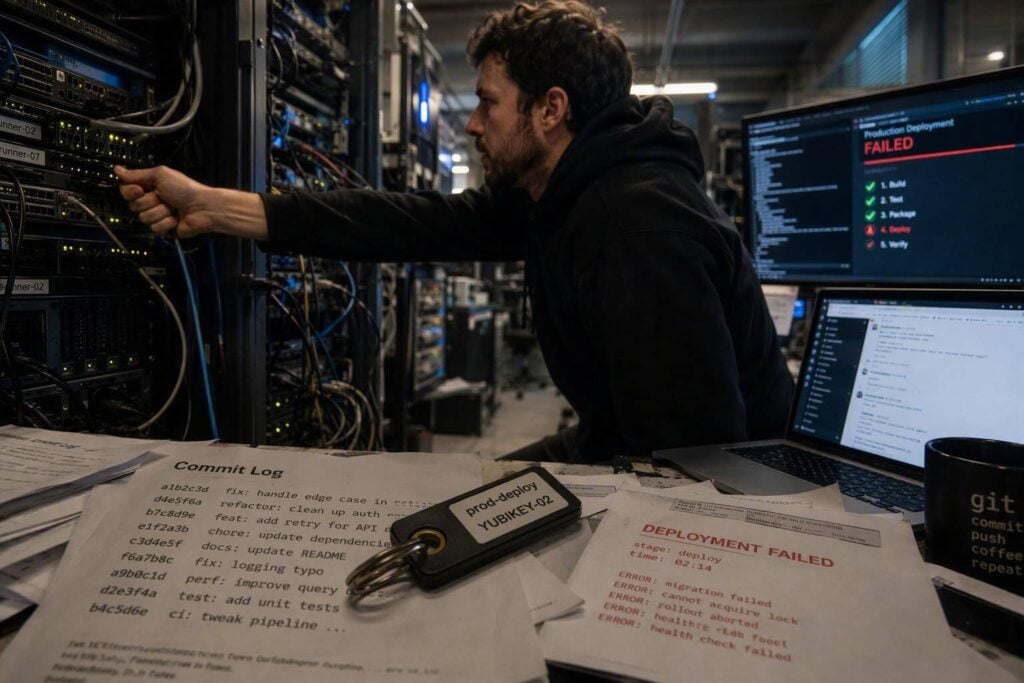
GitHub Threat Detector is changing how organisations spot supply chain attacks. By treating GitHub activity as a rich source of behavioural telemetry, this open-source tool allows early detection of attacker behaviours seen in high-profile campaigns. The research, unveiled at Black Hat USA 2026, demonstrates that signals already present in GitHub’s event stream can reveal compromise far sooner than traditional methods.
Researchers Unveil GitHub-Based EDR Approach
The breakthrough was presented by Yossi Weizman of Microsoft and Mor Weinberger of Echo at Black Hat USA 2026 in Las Vegas. Their session, “GitHub Can Tell You’re Being Hacked. You’re Just Not Listening,” focused on using GitHub’s own event data – accessible via webhooks and APIs – as a form of endpoint detection and response (EDR) for repository and pipeline compromises.
Weizman and Weinberger’s method involves gathering PushEvent records, workflow activity, commit metadata, and tag history from any GitHub.com repository. The process relies on a GitHub access token and stores data in a PostgreSQL database. Their open-source tool, GitHub Threat Detector, applies over thirty detection rules to this telemetry, combining weak but recurring indicators into high-confidence alerts. This approach delivers actionable early warning of incidents such as forged commit identities, tag poisoning, and workflow manipulation.
How Supply Chain Attacks Leave Detectable Traces
Recent supply chain attacks, including those targeting Trivy, Megalodon, TanStack Router, Mistral AI SDK, and Bitwarden CLI, often use similar techniques. The research highlights that even when attacks target unrelated projects, they leave behind patterns that can be correlated for rapid detection.
- Author vs pusher mismatches: Attackers forge commit metadata such as author name and email. However, GitHub logs the authenticated user who actually pushes the commit. By comparing the commit author with the pusher (sender.login in event data), defenders can spot forged identities.
- Mass tag poisoning: Threat actors can force-move multiple release tags (e.g., action@v1) to malicious commits, causing downstream continuous integration (CI) workflows to run attacker-controlled code. Detecting sudden jumps in tag history or unexpected tag moves helps identify this behaviour.
- OIDC misuse in workflows: Attackers modify GitHub Actions workflows to enable OpenID Connect (OIDC) permissions, mint short-lived credentials, and exfiltrate secrets or assume cloud roles. Monitoring workflow changes for id-token permissions or new trust relationships is critical.
By correlating these behaviours across repositories and over time, the GitHub Threat Detector can piece together even subtle signals into a clear compromise alert.
Key Incidents and Timeline of Attacks
The need for better detection emerged from analysing real-world attacks. The timeline below illustrates how persistent and varied supply chain threats have become:
- 19–20 March 2026: Trivy ecosystem compromise. Attackers force-pushed malicious code to 75 of 76 version tags, affecting GitHub Actions users and binaries for several hours.
- 11 May 2026: Coordinated package poisoning in npm and PyPI ecosystems, with TanStack Router and Mistral AI SDK among those compromised.
- 18 May 2026: Megalodon campaign injects malicious Actions workflows into 5,561 repositories in just six hours, exfiltrating secrets and OIDC tokens.
- 22 April 2026: Bitwarden CLI npm package briefly trojanised in a wider supply chain attack.
- 5–6 August 2026: Black Hat USA presentation details detection methods and tool release.
- 11 August 2026: CSO Online publishes an analysis summarising the research and tool.
Several campaigns, including Megalodon and Trivy, have been linked to a group tracked as TeamPCP. The GitHub Threat Detector’s rules are directly informed by the tactics observed in these incidents and validated against attack simulations and real telemetry.
Technical Deep Dive: Detection in Action
Author and Pusher Identity Mismatches
Git commit metadata is easy to forge, allowing attackers to disguise themselves as trusted maintainers. However, the authenticated pusher recorded by GitHub cannot be spoofed in the same way. The tool analyses commit author email fields versus sender usernames in PushEvent data, flagging mismatches and identifying repeated use of suspicious author identities across multiple repositories.
- Common forged author names: build-bot, auto-ci, ci-bot, pipeline-bot
- Common forged emails: build-system@noreply.dev, ci-bot@automated.dev
Tag Poisoning Patterns
Tag poisoning involves rapidly moving multiple version tags to a malicious commit, which can be detected by tracking changes in tag history. The detector looks for sudden, mass tag updates and tags pointing outside their expected commit lineage, as seen in the Trivy Actions and Megalodon campaigns.
OIDC Abuse and Workflow Tampering
Attackers often introduce or modify workflows to enable OIDC token permissions, allowing them to mint cloud credentials and pivot further. The GitHub Threat Detector watches for new or altered workflow files, especially those granting id-token: write or creating unusual trust relationships. Artefacts such as .github/workflows/ci.yml with unfamiliar jobs or permissions are flagged for review.
- Suspicious job names: SysDiag, Optimize-Build
- Common commit messages: “ci: add build optimization step”, “build: improve ci performance”, “chore: update ci/cd pipeline”
Current Exploitation and Indicators of Compromise
These detection mechanisms are not hypothetical. Active exploitation has been confirmed in the wild, with thousands of repositories affected in recent campaigns. Key indicators, such as the use of the IP 216.126.225.129:8443 for exfiltration, and the presence of bot-like commit authors or suspicious workflow modifications, can be used for retrospective threat hunting.
Why This Matters and Next Steps for Organisations
GitHub is a core part of the software supply chain for many UK organisations, including SMEs. The ability to detect repository and CI compromises early, using only GitHub’s event data and a lightweight open-source tool, offers practical protection against a rapidly evolving threat landscape. The GitHub Threat Detector can be deployed with minimal resources, making it accessible to organisations without dedicated security teams.
Organisations using GitHub and GitHub Actions should:
- Deploy the GitHub Threat Detector to monitor for known attacker behaviours and early signs of compromise.
- Leverage GitHub’s push protection features to block common secrets and reduce the impact of forged commits.
- Review official advisories for affected projects and rotate secrets or artefacts where compromise is suspected.
Originally reported by csoonline.com.

